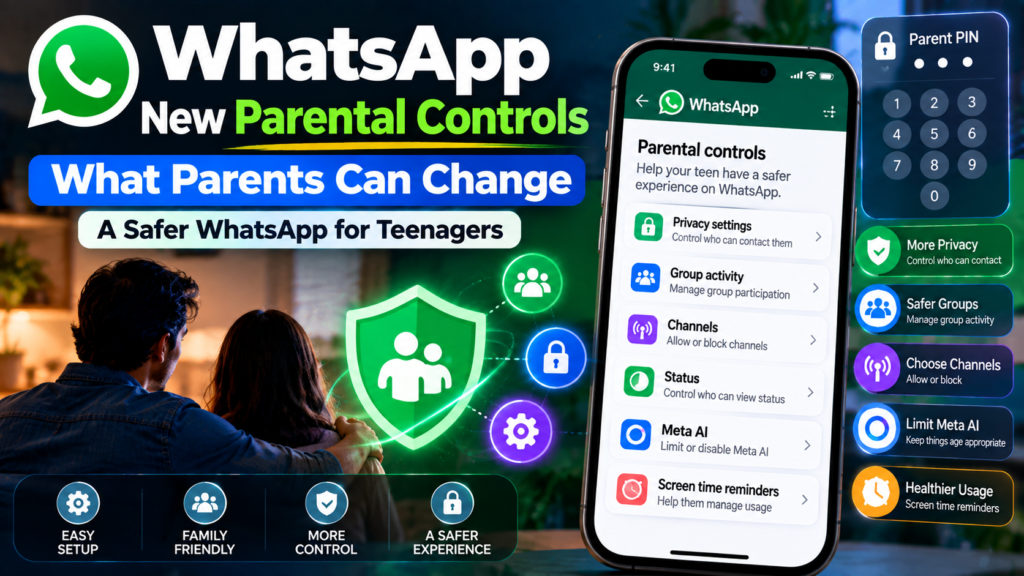
WhatsApp is rolling out a new set of optional parental controls for teens. The tools are designed to give parents more visibility and control without turning WhatsApp into an app where parents can simply read their teenager’s private conversations.
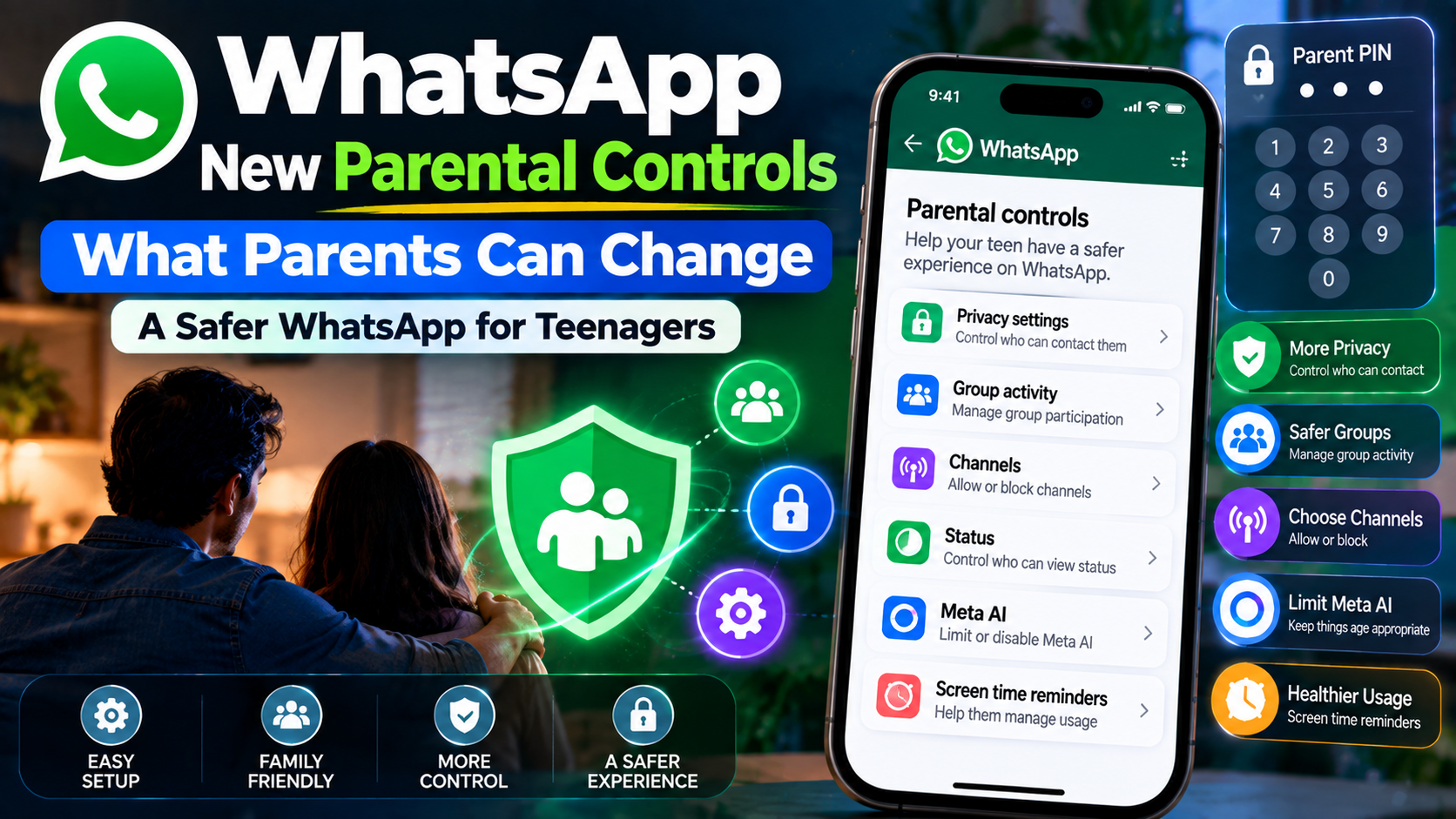
The controls are rolling out gradually, so they may not be available on every account or in every region yet. WhatsApp says the feature is intended for teens and requires the parent or guardian to link their account to the teen’s WhatsApp account.
What can parents control?
WhatsApp’s parental controls cover several areas of a teen’s experience. Depending on availability, parents can manage privacy settings, certain features and activity alerts.
1. Privacy settings
Parents can help manage who can see certain information about the teen and who can contact them. WhatsApp’s Help Center says parents can manage privacy settings using a parent PIN.
Examples include settings around profile information and group access. If a teen wants to relax certain restrictions, parent approval may be required.
2. Group activity notifications
Parents can receive notifications about some account activity. WhatsApp says this can include when a teen joins or creates a group, when a group grows significantly, and some other account activity.
This is different from reading messages. The purpose is to give parents a signal about potentially important activity without exposing the content of private conversations.
3. Meta AI controls
Parents can manage the teen’s experience with Meta AI where the relevant controls are available. WhatsApp currently describes Standard and Limited options.
The Limited option is designed to restrict the topics a teen can discuss with Meta AI more than the standard experience. WhatsApp notes that some AI experiences using Private Processing are not available when Limited is selected.
4. Status controls
Parents can manage who a teen can see in Status and who can see the teen’s Status. Options include contacts, selected contacts, exclusions and Nobody, depending on the setting.
5. Channels
Parents can control whether a teen can follow all Channels, only parent-approved Channels or no Channels. Parents can also control whether the teen can create Channels.
Does this mean parents can read WhatsApp chats?
No. WhatsApp says personal messages and calls remain protected by end-to-end encryption. Its parental-control documentation states that people outside the chat, including the parent and WhatsApp, cannot read or listen to those personal conversations.
That distinction is important. The parental controls are designed around settings, feature access and selected activity notifications rather than giving parents a copy of private chats.
Who can use the feature?
WhatsApp says parental controls for teens are optional and are intended for teens aged 13–17, with the parent or guardian being at least 18. Both the parent and teen need to agree to link their accounts.
The latest WhatsApp version for iPhone or Android is required, although the feature itself may still be unavailable because the rollout is gradual.
How to set up WhatsApp parental controls
- Open WhatsApp on the teen’s phone.
- Go to Settings > Parental controls.
- Continue through the setup and confirm the teen’s age information.
- Link the teen’s account to the parent’s account using the provided QR-code flow.
- The parent verifies that they are an adult and creates a six-digit parent PIN.
- Review privacy, feature and activity settings.
The exact screens can change as WhatsApp continues the rollout, so use the Help Center instructions shown in the app if they differ from the steps above.
What parents should do beyond the controls
Parental controls work best when they are combined with conversations about online safety. Parents should discuss unknown contacts, suspicious links, group invitations, scams, impersonation and requests for verification codes.
It is also worth enabling account-security protections. WhatsApp introduced stronger two-step verification and additional context for calls from unknown callers in 2026, and users can also review passkey options where available.
Should parents enable every restriction?
Not necessarily. The useful approach is to start with the settings that address the family’s biggest concerns. For a younger teen, tighter Channel and Meta AI controls may make sense. For another teen, privacy settings and group activity alerts may be more useful.
The goal should be to create a safer account while still allowing a teenager to develop good digital habits and understand why each setting exists.
Bottom line
WhatsApp’s new parental controls add a practical middle ground between doing nothing and monitoring private conversations. Parents can manage selected privacy settings, feature access and activity alerts while personal messages and calls remain end-to-end encrypted.
Sources
- WhatsApp Help Center — About parental controls for teens
- WhatsApp Help Center — How to manage features for teens with parental controls
- WhatsApp Help Center — How to set up parental controls for teens
- Meta — New Account Security Features for WhatsApp
Last reviewed: October 7, 2026. Feature availability may vary by country, account and rollout stage.