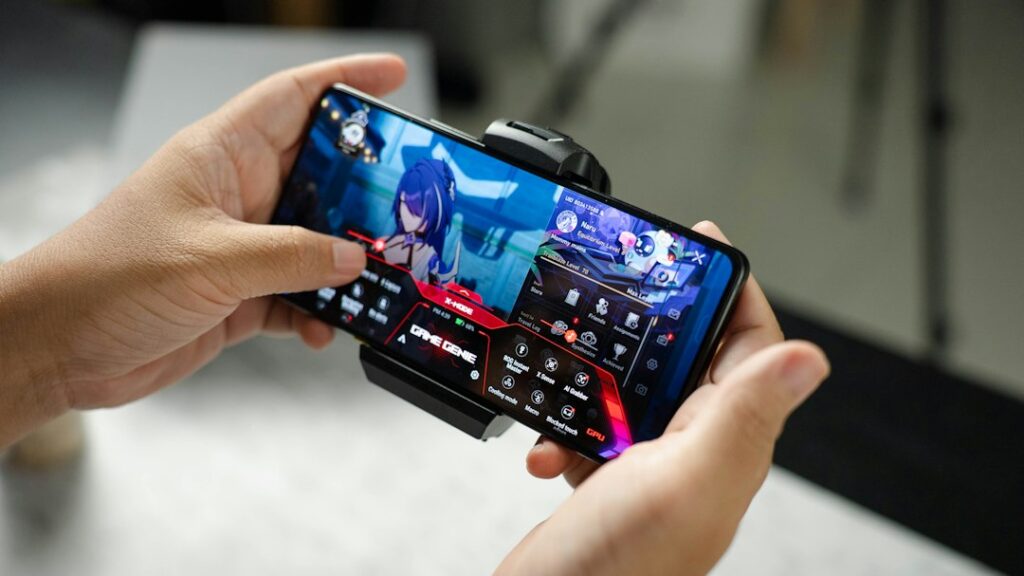
Phone coolers for mobile gaming can help manage heat during long sessions, especially in hot weather, while charging or when a game pushes the processor and graphics hardware hard. A phone may reduce performance to control temperature, which can appear as frame-rate drops, dimming or a warm chassis. External phone coolers are not essential for every player and do not fix every performance problem.
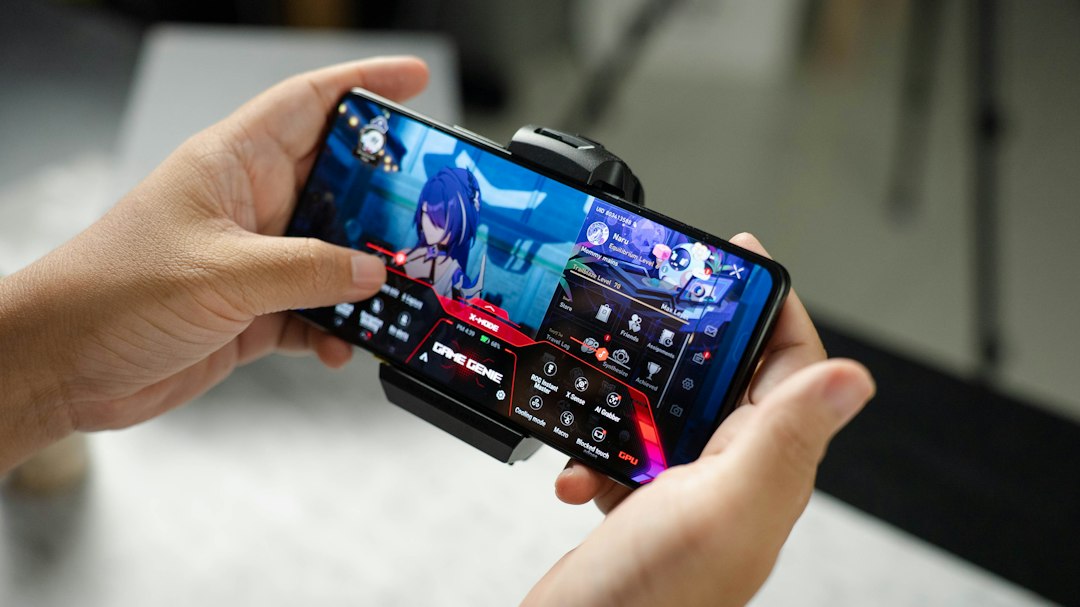
Compact magnetic accessories such as OnePlus’s Ice Card Mini have brought renewed attention to phone cooling. The product was reported as a small, USB-C-powered magnetic cooler with a thermoelectric cooling element and fan-based airflow. Availability, compatibility and price can differ by market, so verify the current India listing before considering a purchase.
Why phones heat up during gaming
Games make several components work at once: the processor runs game logic, the graphics hardware renders frames, the display stays bright and the network maintains a connection. High refresh rates, maximum graphics settings, voice chat, screen recording and charging can add to the load. Warm ambient temperatures make it harder for the phone to release heat.
Some warmth is normal. If a phone becomes too hot, its software may lower performance, reduce display brightness, pause charging or show a temperature warning. These protective behaviours help keep the device within operating limits. Do not ignore repeated overheating warnings or try to defeat thermal protections.
How an external phone cooler works
Phone coolers generally use one of two approaches. Fan-based coolers move air across the back of the phone, helping heat disperse. Thermoelectric coolers use an electrically powered module to create a colder surface on one side and move heat to the other side, where it must be dissipated. Some accessories combine a thermoelectric plate with a fan.
A cooler can lower the temperature around the phone’s rear panel, but the actual effect on internal components depends on the phone’s design, the case, the attachment position and how heat moves through the chassis. A lower surface temperature does not guarantee a higher frame rate in every game. The phone may still be limited by software, network latency or the game’s own settings.
Do you need a cooler?
- Probably worth considering: you play demanding games for long sessions, notice thermal throttling, stream or record gameplay, or play in a hot environment.
- Maybe not necessary: you play short sessions, use lighter games, or your phone stays comfortable and maintains stable performance.
- Fix the basics first: remove a thick case if the manufacturer recommends it for cooling, lower graphics or refresh-rate settings, stop recording when unnecessary and avoid gaming while fast-charging if heat is excessive.
Before spending money, identify the problem. If the phone is lagging because of poor network conditions, a cooler will not reduce ping. If the battery is old or storage is nearly full, cooling may not solve the underlying issue. Also check whether your charging setup adds heat: our USB-C charger buying guide explains how to choose an appropriate charger, while our power bank buying guide covers portable charging considerations.
What to check before buying a phone cooler
- Compatibility: confirm whether your phone supports magnetic attachment or requires the included metal plate. Check that the plate will not interfere with wireless charging or other accessories.
- Cooling method: a fan-only accessory and a thermoelectric cooler have different power needs, noise levels and cooling behaviour.
- Power source: check whether it draws power from the phone, a power bank or a wall adapter. Powering a cooler from the phone can affect battery drain.
- Size and grip: ensure it does not cover buttons, cameras or vents, and that the added weight does not make gaming uncomfortable.
- Noise: a fan may be audible in quiet rooms or while using a microphone. Look for measured noise claims and independent tests.
- Condensation precautions: very cold surfaces in humid conditions can create moisture. Follow the manufacturer’s guidance and stop using a cooler if moisture appears.
- Warranty and return policy: verify the seller, local warranty, replacement policy and availability of accessories.
Magnetic coolers: convenient, but not universal
Magnetic coolers are quick to attach and remove, which can be useful if you switch between gaming and normal phone use. However, a magnetic connection is not universal across all phones. Some models have built-in magnets; others need a plate or a compatible case. The attachment must sit over an area that allows effective heat transfer without obstructing cameras or buttons.
Before ordering an accessory advertised for a specific brand, read the compatibility list. Features such as a dedicated high-performance mode may work only with selected phones or operating-system versions. Do not assume that an accessory’s advertised maximum cooling performance applies to every handset.
Simple ways to reduce phone heat without buying anything
- Lower graphics quality or frame rate if the phone gets too hot.
- Reduce screen brightness when practical.
- Avoid direct sunlight and do not play on a dashboard or near a heat source.
- Pause the game and let the device cool naturally when it displays a temperature warning.
- Use a good-quality charger and cable, and avoid charging under pillows or blankets.
- Keep software updated and close unnecessary demanding tasks.
- Do not place a hot phone in a refrigerator or freezer; rapid temperature changes and condensation can damage it.
How to test whether a cooler actually helps
Use a repeatable comparison rather than relying on a single session. Start with the phone at a similar battery level and room temperature. Use the same game, graphics settings and session length. Compare frame-rate stability, touch response, surface temperature and whether the phone reduces brightness or shows a warning. If possible, use the game’s built-in performance display or a reputable monitoring tool.
Repeat the test more than once and avoid running demanding tests while the device is already hot. Do not cover the phone’s vents or attach a cooler in a way that blocks its own heat outlet. The goal is stable performance and safe operation, not the lowest possible surface temperature.
Phone cooler vs a cooling fan or gaming phone
An external cooler is a flexible add-on, while a gaming phone may have a cooling system designed around its internal components. A desk fan can improve airflow around the whole device but may be less effective at moving heat from a specific hot spot. Compare the total cost and inconvenience before choosing an option.
| Option | Best for | Main limitation |
|---|---|---|
| Clip-on or magnetic phone cooler | Long gaming sessions with heat-related frame drops | Needs power and phone compatibility checks |
| Room or desk fan | Improving general airflow at low cost | May not cool a specific hot area as effectively |
| Lower graphics and brightness | Casual players and anyone wanting a free first step | May reduce visual quality or peak frame rate |
| Gaming phone with built-in cooling | Frequent players choosing a new handset | Higher overall purchase cost |
Quick decision: if your phone only warms slightly and performance stays stable, start with settings and charging habits. If repeated tests show frame drops that coincide with heat, a compatible external cooler may be worth testing. Do not buy one just because an accessory advertises a very low plate temperature.
If you play competitively every day, a cooler may be useful. If you play casually, adjusting settings and taking breaks may provide most of the benefit at no extra cost. Also remember that accessories add bulk and require power, storage and maintenance.
Frequently asked questions
Can a phone cooler increase FPS?
It may help maintain performance if heat is causing thermal throttling, but it cannot guarantee higher frame rates. The game, processor, software and network still matter.
Can I use a cooler while charging?
Follow the cooler and phone manufacturers’ instructions. Gaming while charging can add heat, so monitor the device and stop if it becomes excessively hot.
Are magnetic coolers compatible with every phone?
No. Attachment, case thickness, camera layout and software features can vary. Check the exact compatibility list.
Is a phone cooler safe?
Use it as directed, keep vents clear and watch for moisture or unusual temperature warnings. Avoid extreme cooling and never put a phone in a freezer.
Verdict
A phone cooler can be a sensible accessory for people who regularly play demanding games and experience heat-related performance drops. It is not a must-have for everyone. Start with safe settings, airflow and charging habits, then buy a cooler only if testing shows a real improvement. Check India availability, compatibility, noise, power needs and warranty before placing an order.