Laptop Workstation Upgrades: Moving Beyond Built-In Limitations
Modern laptops handle demanding workloads and heavy multitasking without requiring a separate desktop computer. They serve as main computing devices for many users (SlashGear). However, relying solely on stock hardware often exposes limitations in storage, port availability, display estate, and power management. Effective laptop workstation upgrades transform a standard portable machine into an ergonomic, high-output workspace. Expanding your configuration with intentional peripherals improves daily output.
Instead of stocking a desk with generic gadgets, evaluate additions based on measurable utility. Built-in components frequently restrict performance during intensive tasks. Addressing these hardware bottlenecks requires targeted investments in external peripherals. Users must weigh transfer protocol trade-offs and power delivery requirements before purchasing gear.
Laptop Workstation Upgrades: Expanding Storage and Managing Bandwidth
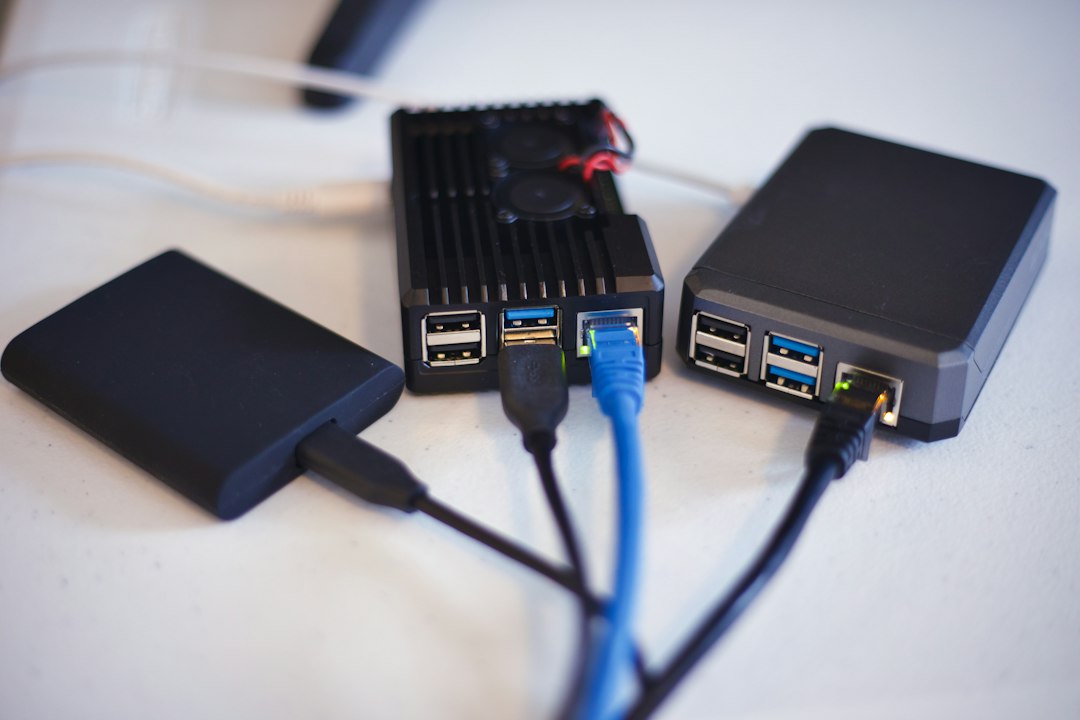
Internal storage upgrades on modern laptops are notoriously expensive at purchase and nearly impossible to modify later. When storage allotments fill up, external solid-state drives provide a practical fix (SlashGear). For instance, the SSK Portable SSD offers a balance of physical footprint and performance. It weighs under 40 grams while supporting USB 3.2 Gen 2 protocols and write speeds up to 1,000 MB/s (SlashGear).
With physical drop protection and thermal management for heavy data transfers, such external drives match internal speeds closely enough for direct media editing and large file backups (SlashGear). Beyond single drives, desktop-style setups often outgrow built-in ports. While standard dongles hang precariously from a single socket, niche alternatives like the Mogood USB Hub integrate more cleanly. It transforms a single USB Type-A port into four data-transfer ports to accommodate legacy peripherals (SlashGear).
When deploying external storage for heavy workloads, users must weigh transfer protocol trade-offs. USB-A hubs cap maximum data transfer speeds compared to direct USB-C connections. Additionally, running continuous heavy input/output operations off a bus-powered external drive can increase thermal output. Proper thermal management helps mitigate performance throttling during extended 4K video rendering or massive file migrations.
For further reading on hardware modifications and multi-device setups, explore our detailed guide on transforming your laptop into a high-performance workstation.
Refining Power Delivery and Charging Habits
Stock charging blocks frequently lack the versatility needed for multi-device workflows. Users carrying laptops equipped with USB-C power delivery can replace bulky proprietary bricks with compact universal options (SlashGear). The INIU 100W Charging Brick illustrates this shift. It provides enough wattage to juice up a MacBook Pro to 56% in 30 minutes while simultaneously powering a tablet or phone (SlashGear).
Choosing a certified, high-wattage charging brick with a reliable nylon-braided cable avoids safety hazards. It also prevents restricted power transfer speeds associated with random cables found lying around workspaces (SlashGear). Multi-port GaN chargers streamline travel kits, yet they introduce power-allocation dynamics users must understand.
When multiple devices plug into a single high-wattage brick, the charger dynamically redistributes wattage across ports. Plugging in a power-hungry laptop alongside a tablet may trigger a brief handshake reset. During this reset, connected displays might flicker or charging speeds temporarily drop. Reviewing the manufacturer power-sharing matrix ensures your primary device always receives its required minimum sustained wattage.
Audio Integration and Acoustic Isolation
As 3.5mm headphone jacks continue to disappear from laptops and mobile devices, maintaining a reliable audio pipeline requires intentional hardware choices (SlashGear). In-ear monitors bridge the gap between affordable pricing and high-fidelity sound reproduction (SlashGear). The MoonDrop Chu II provides an accessible option for users seeking accurate audio without investing in expensive wireless earbuds (SlashGear).
Supported by community recommendations and acoustic tuning, wired IEMs offer zero-latency audio monitoring. They also provide consistent playback for editing, media consumption, and focused work sessions (SlashGear). While wireless Bluetooth headphones offer untethered movement, they introduce audio latency and compression artifacts.
Latency and compression artifacts complicate video editing and audio mixing. Wired IEMs bypass latency issues entirely and avoid battery degradation concerns. However, users must account for physical cable management. Potential compatibility issues with laptops lacking native 3.5mm jacks require an inexpensive USB-C to 3.5mm audio DAC adapter to maintain clean signal conversion.
Extending Visual Estate with External Displays
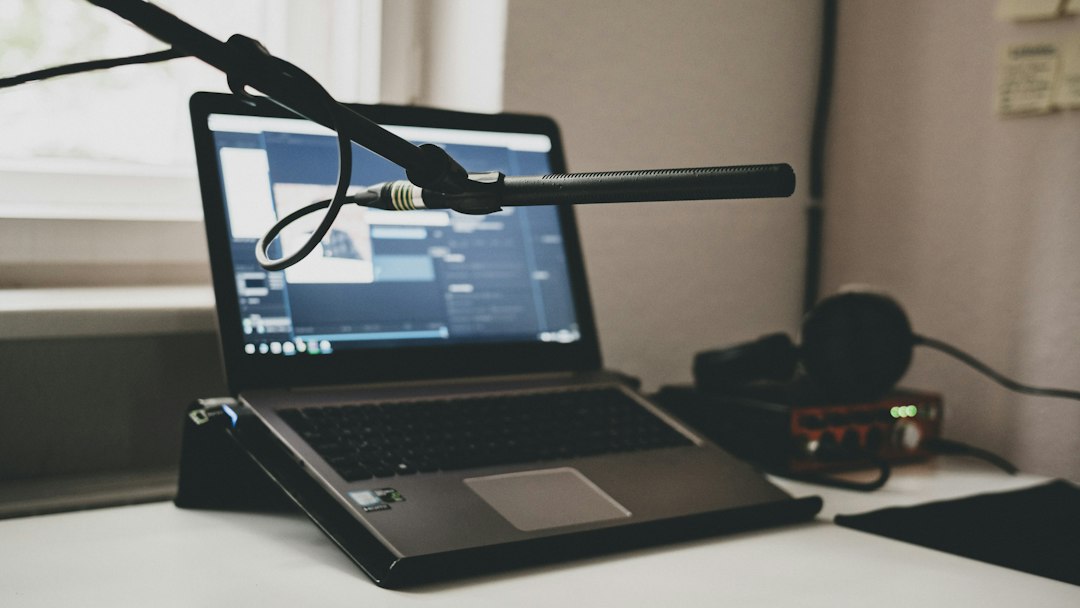
Relying on a 13-inch or 14-inch built-in screen restricts complex multitasking and document comparison. Adding an external monitor expands usable workspace and reduces window switching (Mint). Options range from standard desktop displays to portable travel panels (Mint).
For fixed desks, the BenQ GW2490 provides a 24-inch Full HD IPS panel. It features a 100Hz refresh rate, 99% sRGB color accuracy, and built-in eye-care technologies like Low Blue Light+ and Brightness Intelligence (Mint). For wider timelines or side-by-side spreadsheets, ultra-wide solutions like the LG UltraWide 29-inch monitor deliver a 21:9 panoramic canvas equipped with built-in speakers and USB-C connectivity (Mint).
Meanwhile, portable travel choices like the ViewSonic VA1655 offer a slim 16-inch IPS screen with 60W power pass-through via USB-C. This ensures multi-monitor workflows can travel on the road (Mint). Connecting external displays to modern laptops also demands attention to interface standards. HDMI 2.0 or DisplayPort 1.4 connections are typically required to drive high refresh rates at 4K resolution without chroma subsampling.
Furthermore, running multiple external monitors from a single laptop port via daisy-chaining requires hardware support. This support is often limited on base-tier consumer chipsets.
Market Trends and the Rise of Smart Peripherals
The broader computer accessories market is undergoing structural changes driven by manufacturing shifts and technological integration (Dataquest). Domestically in India, the computer accessories sector has expanded through government initiatives like Make in India and Digital India. These policies drive local production and boost international exports (Dataquest). These practical details are useful when evaluating laptop workstation upgrades against the reader’s actual needs.
Customer demand has simultaneously evolved beyond basic wired mice and keyboards. Buyers now seek wireless flexibility, RGB lighting, and specialized devices (Dataquest). Industry research notes an increasing demand for mice featuring advanced technologies like AI integration, expandable macro keys, and ergonomic thin profiles (Dataquest).
Manufacturers are actively pouring research and development into refining wireless Bluetooth peripherals, charging pads, and IoT-connected smart accessories. These efforts aim to maximize user convenience and maintain competitive market presence (Dataquest).
Frequently Asked Questions
Can an external SSD completely replace a laptop’s internal drive?
While high-speed external solid-state drives running on USB 3.2 Gen 2 protocols offer impressive speeds, they cannot always replace an internal boot drive. Operating systems often require internal PCIe NVMe connection speeds for optimal paging file management, system updates, and secure firmware execution. External drives are best utilized for active project libraries, archival storage, and media caches.
How do I choose the correct wattage for a universal laptop charger?
Check your laptop’s original power adapter specifications for its rated output wattage. Purchasing a universal charger that matches or exceeds your laptop’s maximum power draw ensures safe and efficient charging. If you plan to charge multiple devices simultaneously, choose a charger with a higher total output capacity to prevent power throttling across connected ports.
Are portable external monitors durable enough for frequent travel?
Many portable monitors feature reinforced IPS panels and include protective folio cases that double as stands. However, because they lack the rigid multi-layer housing of traditional desktop monitors, they remain susceptible to pressure damage in overstuffed backpacks. Always transport portable monitors inside a dedicated padded laptop sleeve or compartment.
Practical Takeaway for Your Setup
Building an efficient laptop setup requires identifying specific friction points in your daily routine rather than collecting trending gadgets. If storage bottlenecks slow down file transfers, an external SSD provides immediate relief. If screen real estate limits multitasking, an external IPS monitor offers measurable ergonomic gains. Assess your specific connection, power, and visual requirements to invest in peripherals that deliver long-term workflow improvements.
Related FutureGearAI articles
Continue with these related articles for additional context: CMF Speaker S vs Speaker M: Specs, Battery, Connectivity and Buying Guide
Sources & further reading
- The 5 laptop features worth spending extra on (and 3 that are mostly hype) — ZDNet
- 14 Useful Laptop Accessories Worth Adding To Your Wishlist – SlashGear — SlashGear
- Best external monitor for laptop: Top 10 picks to enhance productivity, gaming, and multitasking for every day use | Mint — Mint
- How big is India’s Computer Accessories Market? Innovations expected by FY25 — Dataquest