The Modern Laptop Port Crisis
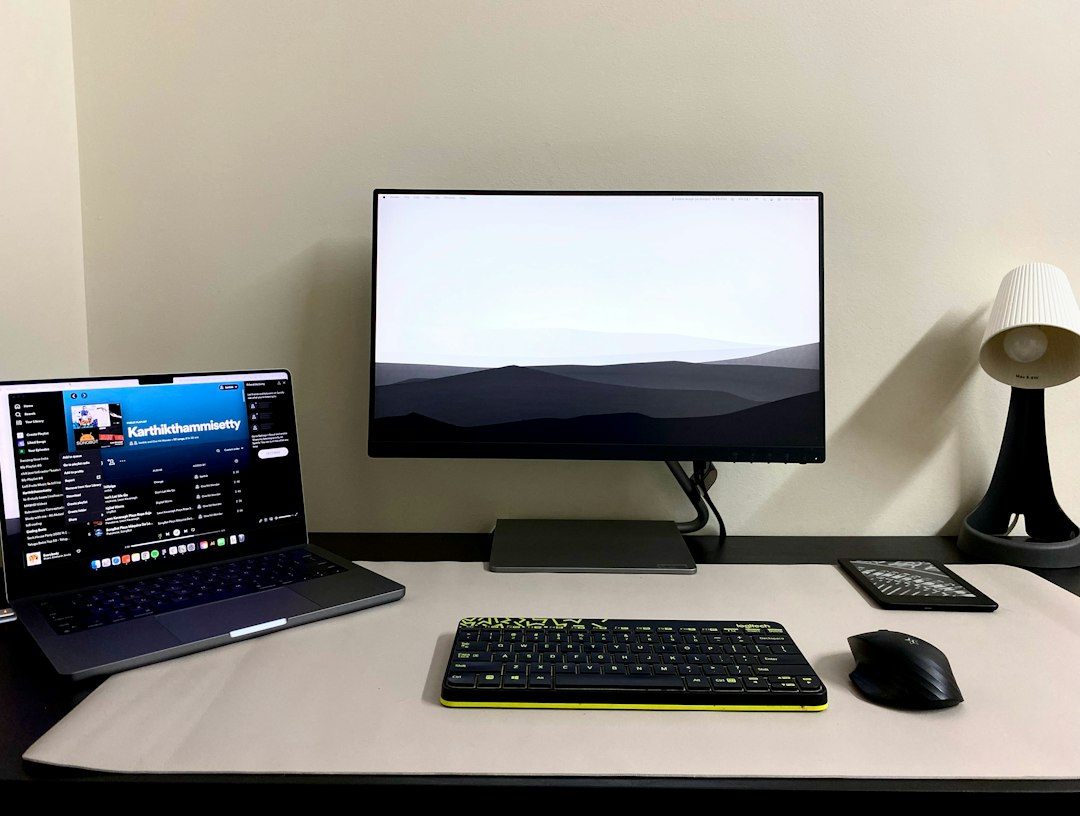
Modern computing has prioritized ultra-thin designs and featherlight chassis profiles over physical connectivity. While this evolution makes laptops remarkably portable, it introduces a frustrating hardware bottleneck for home and office environments. When users transition from working on the go to setting up a dedicated workstation, connecting a mouse, keyboard, external monitor, wired internet, and power supply individually defeats the purpose of a streamlined mobile setup. This is where USB-C docking solutions become essential, bridging the gap between minimalist hardware and legacy peripheral requirements.
Recent market movements highlight how peripheral manufacturers are scaling their offerings to match different user demands—ranging from ultra-budget 8-port adapters priced at $40 to heavy-duty, discounted multi-port stations packing up to 14 connections. Understanding how to navigate these choices helps consumers avoid overspending on features they do not need while ensuring compatibility with their specific operating systems.
The Spectrum of Anker USB-C Connectivity Options
Anker’s ecosystem of USB-C expansion hardware spans multiple price tiers and port densities. At the entry level, a compact $40 adapter expands a single laptop port into eight distinct connections, serving users who require basic peripheral hookups without a massive desk footprint. For heavier power users, larger setups like the 14-in-1 Anker Prime docking station offer extensive port arrays, though they command significantly higher investments—such as a recent sale dropping the 14-in-1 unit from $270 down to $170.
Between basic dongles and massive desktop hubs, options like 13-in-1 configurations introduce specialized layouts, including detachable hub modules designed for flexible, all-in-one desktop arrangements. Deciding between a budget 8-port solution and a high-end workstation dock depends entirely on display requirements, power delivery needs, and peripheral density.
Port Distribution: What You Actually Get
Examining the physical layout of these hubs reveals stark differences in capability. Smaller $40 adapters focus on essential daily drivers—typically covering standard USB-A data slots, a video output, and basic power pass-through. Conversely, larger workstation hubs distribute connections across both front and rear panels to keep permanent desktop wiring hidden.
- Front Panels: Usually reserved for quick-access connections, high-end docks offer fast USB-C charging ports, USB-C data lines, USB-A slots, and a 3.5mm audio jack for wired headsets.
- Rear Panels: Built for permanent desktop clutter management, housing double HDMI ports, additional USB-A inputs, Ethernet ports for stable wired networking, and primary power delivery connections.
Power Delivery and Charging Capacity
Beyond data extension, modern multi-port hubs double as central charging stations. High-end models can deliver up to 100W of power through individual USB-C ports, with total power budgets reaching up to 160W of total charging distributed across active connections when multiple devices draw power simultaneously.
This capability allows a single cable connecting the laptop to the dock to simultaneously replenish the computer’s battery while powering external accessories, flash drives, portable SSDs, and mobile phones. For users tracking budget-friendly tech upgrades, understanding power delivery thresholds ensures that power-hungry laptops receive adequate wattage without triggering slow-charging warnings.
Operating System Compatibility Pitfalls
A critical technical limitation often overlooked by buyers involves operating system constraints. While Windows users generally enjoy seamless multi-monitor extensions, macOS users face restrictive limitations. On macOS, connecting multiple external monitors to certain multi-display docks results in the displays mirroring each other rather than operating as independent extended desktops.
Furthermore, buyers utilizing alternative operating systems must verify support carefully; specific workstation docks do not support Linux environments at all. Checking OS compatibility prior to purchase prevents costly returns and frustrating hardware workarounds.
Practical Decision Criteria for Buyers
Choosing the right hub requires mapping your actual daily workflow against hardware limitations. Consider the following criteria before making a purchase:
- Display Requirements: If you run dual 4K external monitors, a multi-port desktop dock is necessary. If you only use a single screen or mirror displays, a smaller adapter may suffice.
- Operating System: Verify whether your machine runs Windows, macOS, or Linux to ensure full driver and display-extension support.
- Power Needs: Assess whether you need the dock to power your laptop entirely or simply pass through data while using a separate wall charger.
- Budget vs. Port Count: A $40 8-port adapter suits casual users, whereas heavy workstation users benefit from investing in discounted 14-in-1 variants when promotional pricing applies.
Verdict and Final Takeaway
Anker’s diverse USB-C docking ecosystem addresses the persistent port shortage on modern slim laptops effectively. Whether opting for a streamlined $40 8-port connection tool or capitalizing on deep discounts for a 14-in-1 powerhouse—such as its drop to $170 from an original $270 price point—the key is matching hardware capability to your specific operating system and peripheral ecosystem. Keep OS display restrictions in mind, evaluate your power delivery requirements, and select a hub that anchors your workspace without unnecessary expenditure.
Sources & further reading
- Need more ports on your laptop? This Anker dock is $100 off now — PC World
- Anker’s 13-in-1 USB-C Docking Station Hits Its Lowest Price, Includes a Detachable Hub for an All-in-One Setup — gizmodo