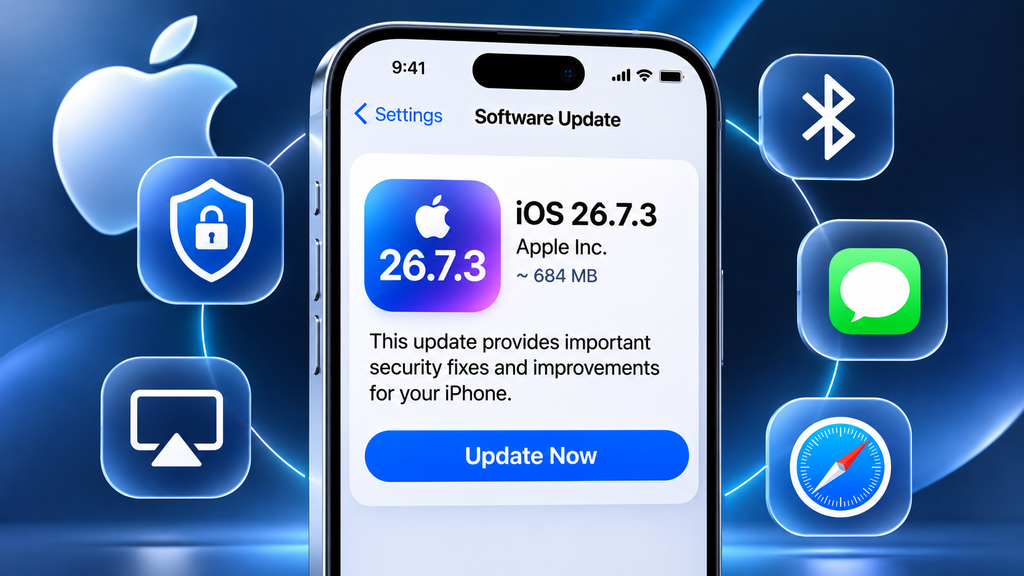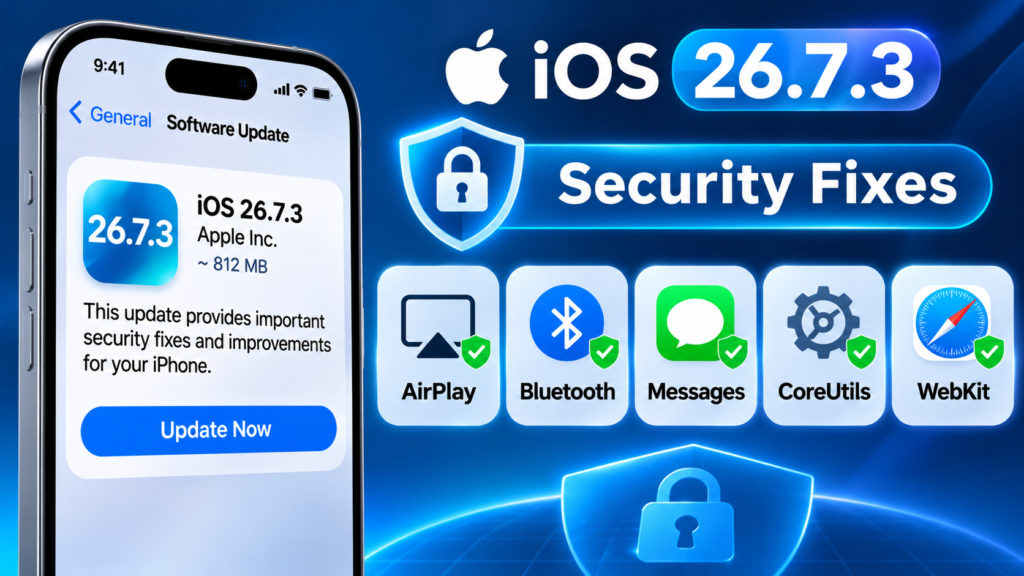
Apple released iOS 26.7.3 on 9 November 2026, bringing important security improvements to iPhones using the iOS 26 software branch. The update arrives alongside Apple’s newer iOS 27.2.1 release.
Unlike a major iOS version upgrade, iOS 26.7.3 focuses on fixing security vulnerabilities rather than introducing a large collection of new features.
Apple’s security advisory identifies issues involving AirPlay, Bluetooth, Messages, CoreUtils, WebKit and other system components. These fixes are important because some of the vulnerabilities could affect wireless connections, message privacy and the way the iPhone processes certain content.
In this guide, we explain what’s included in iOS 26.7.3, which devices are listed by Apple, how to install the update and whether you should download it.
What Is New in iOS 26.7.3?
iOS 26.7.3 is a maintenance and security update.
Apple’s published security information lists fixes for multiple vulnerabilities. The update does not introduce a major new interface or a redesigned iPhone experience.
Some of the important areas covered by Apple’s advisory include:
- AirPlay pairing security.
- Bluetooth memory-management issues.
- Messages group-chat authorisation.
- CoreUtils Bluetooth pairing checks.
- WebKit browser security.
- Network and media-processing improvements.
These are technical fixes that generally work in the background. Most users will not notice a new button or feature after installing the update.
Important Security Fixes in iOS 26.7.3
Apple’s official security advisory provides details about the vulnerabilities addressed in this release.
1. AirPlay Security Improvements
Apple fixed an issue involving AirPlay pairing-code attempts.
The vulnerability could allow an attacker within Bluetooth range to bypass limits on pairing-code attempts. Apple addressed the logic issue through improved state management.
This is relevant to people who use AirPlay-compatible devices for wireless audio and video streaming.
2. Bluetooth Improvements
The update addresses a Bluetooth vulnerability involving memory corruption.
According to Apple, an attacker within Bluetooth range could potentially exploit a use-after-free issue. Apple improved memory management to address the problem.
Bluetooth is used for headphones, speakers, smartwatches, wireless accessories and other connected devices.
3. Messages Group Chat Fixes
Apple also fixed two issues involving iMessage group conversations.
One vulnerability could allow a remote attacker to join an iMessage group and receive its messages. Another could allow someone added to a group to access messages sent before they joined.
Apple addressed these issues through improved authorisation validation and removal of vulnerable code.
These changes are particularly important for people who regularly use group conversations.
4. CoreUtils and Pairing Protection
Apple addressed issues in CoreUtils related to Bluetooth pairing.
The security advisory describes scenarios in which a malicious Bluetooth device could establish a pairing without user interaction or bypass pairing-code attempt limits.
Apple improved the checks and state management to address these vulnerabilities.
5. WebKit and Browser Security
WebKit is the browser engine used by Safari and other iOS browser applications.
Apple’s advisory lists a WebKit vulnerability involving specially crafted web content that could lead to memory corruption.
The issue was addressed through improved memory management.
This is another reason to keep your iPhone software updated even when you do not notice any visible problem.
Which iPhones Support iOS 26.7.3?
Apple’s security advisory lists iPhone 11 and later among the supported devices for the vulnerabilities covered by this release.
However, the actual software update offered to your iPhone depends on its supported software branch.
The easiest way to confirm availability is to open Settings and check Software Update.
Do not assume that every iPhone should install the same iOS version. Apple provides different updates for devices running different software branches.
iOS 26.7.3 vs iOS 27.2.1: What’s the Difference?
Apple released both updates on 9 November 2026, but they serve different software branches.
| Comparison | iOS 26.7.3 | iOS 27.2.1 |
|---|---|---|
| Software branch | iOS 26 | iOS 27 |
| Release date | 9 November 2026 | 9 November 2026 |
| Main purpose | Security and maintenance | Security and maintenance |
| AirPlay and Bluetooth | Security fixes documented | Check the version-specific advisory |
| Messages | Security fixes documented | Check the version-specific advisory |
| Best for | Devices offered the iOS 26 update | Devices offered the iOS 27 update |
If your iPhone is running iOS 26 and Apple offers version 26.7.3, you should generally install that update rather than trying to move to another software branch manually.
How to Download and Install iOS 26.7.3
Follow these steps to check for the update:
- Open Settings on your iPhone.
- Tap General.
- Select Software Update.
- Wait for your iPhone to check for available updates.
- If iOS 26.7.3 appears, tap Update Now or Download and Install.
- Enter your passcode if requested.
- Follow the on-screen instructions and allow the installation to finish.
Your iPhone may restart during the process.
Things to Do Before Updating
Before downloading iOS 26.7.3:
- Back up your iPhone using iCloud or a computer.
- Connect to a reliable Wi-Fi network.
- Make sure your battery is sufficiently charged.
- Keep enough free storage available.
- Avoid interrupting the installation.
These simple precautions can help prevent unnecessary problems during a software update.
Should You Install iOS 26.7.3?
Yes, if your iPhone is offered this update, installing it is generally recommended.
The release addresses multiple security vulnerabilities, including issues involving Bluetooth, AirPlay, Messages and WebKit.
You do not need to wait for a major feature update to benefit from security improvements.
Here is a simple recommendation:
| User type | Recommendation |
|---|---|
| iPhone users offered iOS 26.7.3 | Install the update |
| People using Bluetooth accessories | Keep the device updated |
| Regular iMessage users | Install the available security update |
| Users with limited internet | Download using reliable Wi-Fi |
| Users who depend on their phone for work | Back up first and update at a convenient time |
If you have important work or travel plans, choose a convenient time to install the update rather than starting it when you need your phone immediately.
Why Is iOS 26.7.3 Not Showing on My iPhone?
If you cannot see iOS 26.7.3, there may be several reasons.
- Your iPhone may already be running a newer software version.
- Your device may be using a different supported iOS branch.
- Your phone may not be eligible for this update.
- Your internet connection may be unstable.
- Your iPhone may still be checking for updates.
First, open Settings → General → About to check your current iOS version.
Then visit Settings → General → Software Update.
Install the version Apple offers for your particular device. Avoid downloading unofficial software files from unknown websites.
Frequently Asked Questions
1. When was iOS 26.7.3 released?
Apple released iOS 26.7.3 on 9 November 2026.
2. Does iOS 26.7.3 introduce new features?
The main focus of this release is security and maintenance. Apple has not announced a major collection of new user-facing features for this version.
3. Is iOS 26.7.3 safe to install?
It is an official Apple software update. Back up your iPhone before installation and follow Apple’s normal update process.
4. What security issues does iOS 26.7.3 fix?
Apple’s advisory identifies vulnerabilities involving AirPlay, Bluetooth, Messages, CoreUtils, WebKit and other components.
5. Should I install iOS 26.7.3 or iOS 27.2.1?
Install the update offered for your iPhone in Settings. The two releases belong to different software branches and are not interchangeable.
6. Will iOS 26.7.3 improve battery life?
Apple’s security advisory does not promise a battery-life improvement. Do not install this update specifically expecting longer battery life.
Final Verdict
iOS 26.7.3 is an important maintenance release for supported iPhones using the iOS 26 software branch.
Although it does not introduce a major visual redesign, Apple has addressed vulnerabilities affecting AirPlay, Bluetooth, Messages, WebKit and other system components.
If your iPhone shows iOS 26.7.3 in Software Update, back up your important data and install it when convenient.
The bottom line: Keeping your iPhone updated is important even when the latest release does not introduce exciting new features.
Sources and Further Reading
- Apple Support – Security Content of iOS 26.7.3
- Apple Support – About Apple Security Updates
- Apple Developer – Software Releases