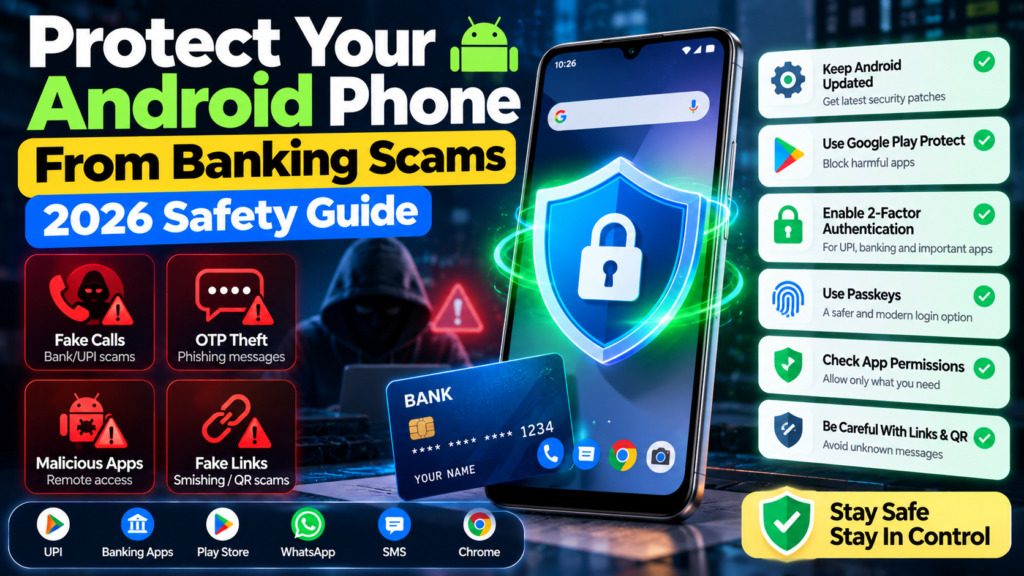
Banking scams are becoming harder to spot because attackers increasingly combine fake calls, messages, websites, malicious apps and social engineering. In 2026, protecting an Android phone is not only about installing antivirus software. It is about reducing the opportunities scammers have to control the device or convince you to hand over sensitive information.
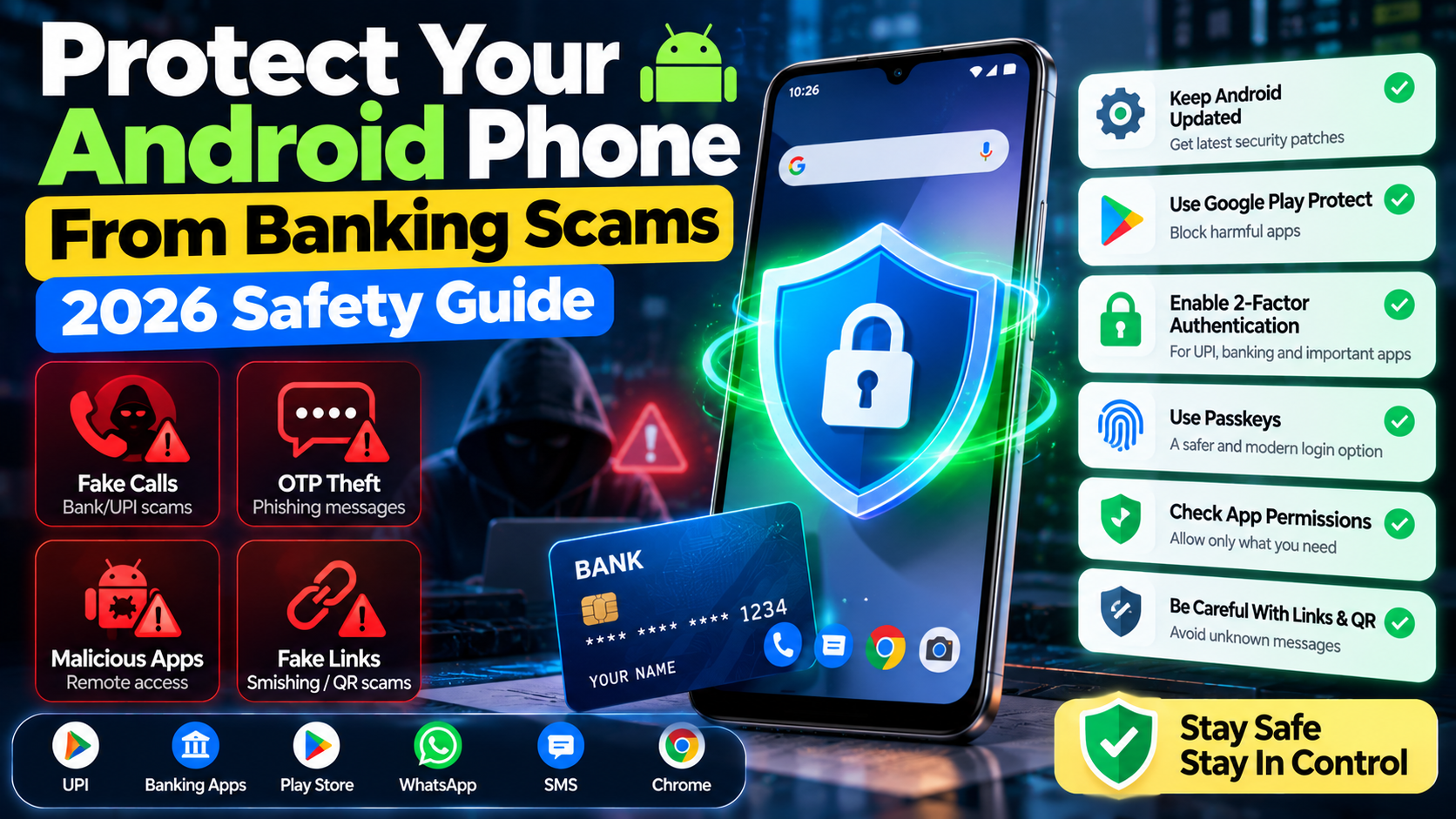
Google has added new Android security protections aimed at scams and fraud, including work on banking-call spoofing protection, Live Threat Detection and stronger protections against harmful apps. Availability varies by device, Android version and participating financial institution.
1. Keep Android and security updates current
The first step is basic but important: install security updates when they become available for your device.
Google’s October 2026 Android Security Bulletin includes critical and high-severity vulnerabilities. A device with the 2026-10-01 security patch level addresses the issues associated with that patch level.
Go to your phone’s Settings and search for security update. If an update is available, install it and restart the phone if required.
2. Keep Google Play Protect enabled
Google Play Protect helps identify potentially harmful applications. Google says it is enabled by default on devices with Google Mobile Services. For broader smartphone privacy and security guidance, see our data privacy guide for smartphone users.
This is especially useful if you ever install apps outside Google Play. However, no security system can replace caution. Avoid installing APKs sent through WhatsApp, SMS, email or social media unless you know exactly where they came from and why they are required.
3. Be suspicious of urgent bank calls
A common banking scam starts with a phone call. The caller may claim to be from your bank and say there is suspicious activity, a failed payment, a KYC problem or an account-security issue.
Google has described a 2026 banking-call protection feature designed to help detect spoofed calls impersonating participating financial institutions. The system can check with a participating bank or financial app whether it is actually making the call.
However, availability is limited and depends on participating financial institutions. Do not assume that a normal incoming call has been verified simply because it looks like a bank number.
4. Never share OTPs, UPI PINs or passwords
A genuine bank support process should not require you to reveal a one-time password, UPI PIN, card PIN or account password to a stranger on a phone call.
If someone creates urgency and asks you to read out a code, stop the conversation. Open your bank’s official app or website yourself and contact support using the number shown there.
5. Review dangerous app permissions
Some scams involve malicious applications that request powerful permissions. Be particularly careful when an unfamiliar app asks for access to:
- SMS messages
- Accessibility services
- Notifications
- Contacts
- Screen content
- Device administrator features
Do not automatically grant a permission just because an app says it is required. If an app’s request does not make sense for what the app does, deny it or uninstall the app.
6. Be careful with accessibility permissions
Accessibility services can be extremely useful for people who need them, but they are also sensitive because they can provide powerful control over what an app can observe or interact with on screen.
Google has described additional Android protections against abuse of accessibility permissions and other suspicious behaviors. If a random app asks you to enable Accessibility access so it can “verify your bank account” or “activate a refund,” treat that as a major warning sign.
7. Protect your OTPs and notifications
Scammers may try to gain access to SMS messages or notifications containing one-time codes.
Android is adding protections around sensitive security codes and Google has also highlighted protections against apps that abuse SMS forwarding. Review which apps can access notifications and SMS, and remove access you do not need.
8. Use passkeys and strong account protection
Where your bank, email provider or other important service supports passkeys, consider using them instead of relying only on passwords. You can also review our Android and iPhone app guide when deciding which apps are worth keeping on your device.
Also enable two-factor authentication on important accounts. Use a unique password for your email account because access to your email can sometimes be used to reset other accounts.
9. Avoid remote-control apps during financial calls
One of the most dangerous social-engineering patterns is being told to install a remote-support or screen-sharing application so a “bank employee” can help fix your account.
Do not give an unknown caller remote access to your phone. A legitimate banking support process should not require a random caller to take control of your device.
10. What to do if you think you have been scammed
- End the call or stop communicating with the scammer.
- Contact your bank immediately using an official channel.
- If money has been transferred, report the transaction as quickly as possible.
- Change passwords that may have been exposed.
- Remove suspicious apps and revoke dangerous permissions.
- Check your bank accounts and cards for unfamiliar activity.
- Report the incident through the appropriate official cybercrime or banking channel in your country.
A simple Android banking-safety checklist
| Check | Recommended action |
|---|---|
| Android update | Install the latest security update available for your model |
| Play Protect | Keep it enabled |
| Unknown apps | Remove apps you do not recognize |
| Accessibility | Review which apps have access |
| SMS/notifications | Remove unnecessary access |
| Banking calls | Do not trust caller ID alone |
| OTP/UPI PIN | Never share them with callers |
| Remote access | Never give unknown callers control of the phone |
| Account security | Use strong passwords, 2FA and passkeys where available |
Final advice
The strongest protection against banking scams is a combination of updated software and good habits. Android’s security systems can detect many dangerous behaviors, but social engineering can still work if a user is pressured into installing an app, sharing a code or approving a transaction.
If a call or message creates urgency, slow down. Open your bank’s official app yourself, verify the situation independently and never give a stranger control of your phone.
Sources
- Google — What’s New in Android Security and Privacy in 2026
- Android Security Bulletin — October 2026
- Meta — One Step Ahead anti-scam education campaign
Last reviewed: October 7, 2026. Security features and banking-app protections vary by device, Android version, country and service provider.