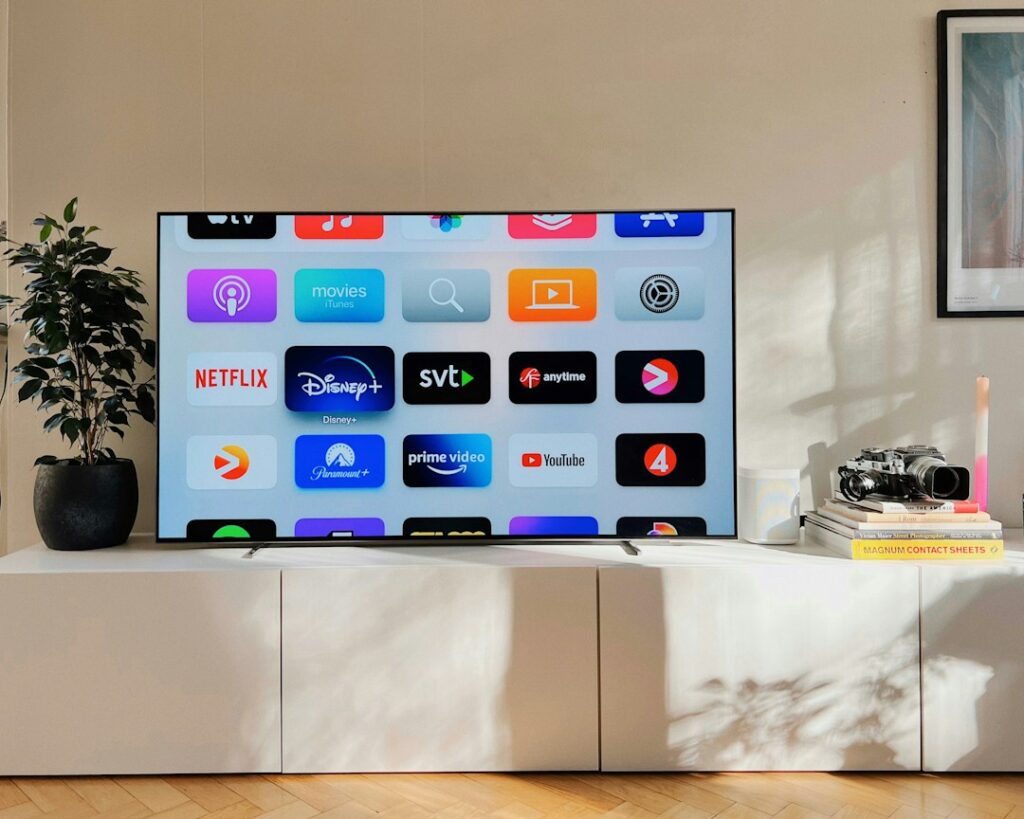
Choosing between smart TV platforms is about more than screen size, resolution or picture quality. The operating system shapes how easily you find apps, switch between streaming services, manage recommendations and keep the television useful over time. Three popular smart TV platforms are Google TV, Samsung Tizen and LG webOS. Their features vary by model, region and software version, so use this guide as a decision framework and verify the specifications of the television you plan to buy.
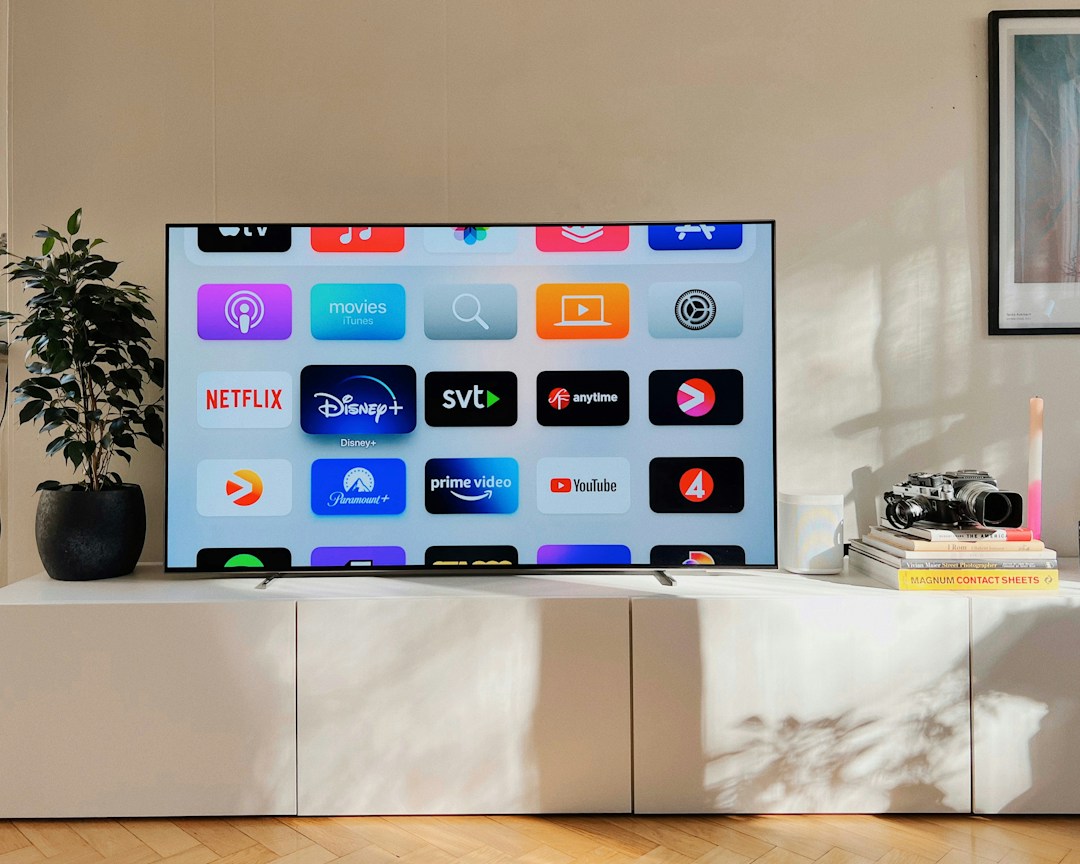
How Smart TV Platforms Work
A TV operating system runs the home screen, app store, settings, search, voice controls and connections to other devices. It can influence which streaming apps are available, how recommendations appear and whether the TV works smoothly with your phone or smart-home equipment. Hardware still matters: a good interface cannot compensate for a slow processor, limited memory or a manufacturer that stops updating a model early.
Google TV: a Content-Focused Smart TV Platform
Google TV focuses on discovering films and shows across supported services. It can combine recommendations and watchlists, and it benefits from the broader Android TV app ecosystem. Some models and regions support Google Assistant and Google Cast. For Android phone users, casting and Google-account integration can feel familiar. Google explains the home-screen and app experience in its official Google TV and Android TV guide.
Before buying, check that your preferred streaming services are supported in your country and that the exact model has the features you expect. App availability, voice functions and casting support can differ. Some recommendations rely on viewing activity and account settings; review personalisation and privacy controls if you prefer a less customised home screen.
Samsung Tizen: integrated Samsung TV experience
Samsung designed its Tizen-based TV platform around its televisions and their supported services. The interface, app catalogue, gaming features and smart-home integrations vary by model year and product tier. Buyers who already use Samsung devices may value the familiar ecosystem, while others should judge the interface by trying it in a store or viewing a model-specific walkthrough.
Do not assume every app or feature is present on every Tizen TV. Confirm availability in your region, whether the TV supports the services you actually use, and how software updates are handled for the model. If you rely on a particular gaming or smart-home feature, check the product specifications rather than relying on the platform name alone. Samsung’s official Smart TV app guide explains how to check and install available apps.
LG webOS: a streamlined interface with model-specific features
LG uses webOS across its television ranges. Its home screen, app selection, remote-control features and smart-home functions can differ across generations. Check whether your exact model and market include a pointer-style remote or specific gaming and picture settings before you buy.
For households that want a straightforward way to open streaming apps and manage inputs, usability matters more than the platform label. Try the remote, check how many steps it takes to reach your favourite apps, and see whether the home screen feels cluttered. Also review supported apps and update commitments before purchasing. LG’s official webOS overview describes the platform’s app and home-screen features, while noting that availability varies by model and region.
Smart TV Platforms Compared: Google TV vs Tizen vs webOS
| What to compare | Google TV | Samsung Tizen | LG webOS |
|---|---|---|---|
| Best reason to consider it | Google services and content discovery | Integrated Samsung TV experience | LG TV interface and supported features |
| Apps | Check regional Google TV app availability | Check Samsung app availability | Check LG Content Store availability |
| Phone integration | Google Cast or other supported features vary | Samsung ecosystem features vary | Phone and smart-home options vary |
| Privacy | Review Google account and personalisation settings | Review Samsung account and viewing settings | Review LG account and voice settings |
| Updates | Confirm support for the exact model | Confirm support for the exact model | Confirm support for the exact model |
App Support Matters More Than the Smart TV Platform Logo
Make a list of the services you use every week: streaming video, music, local broadcaster apps, cloud gaming or fitness. Search the official app listings and check that each service works on the specific model. A service available on one television from a brand may not work on every model or in every country, so confirm compatibility before choosing among smart TV platforms.
Also check whether you need a subscription. The operating system may provide access to an app, but it does not automatically include the service’s paid content. Free channels, ad-supported services and premium subscriptions have different terms.
Recommendations, Ads and Privacy Across Smart TV Platforms
All major smart TV platforms may show recommendations, promotional tiles or content suggestions. Their appearance and controls change over time. During setup, read the prompts carefully and decide which data-sharing, voice, personalisation and viewing-history options you want to enable. You can often adjust settings later, but the names and availability of controls differ by model.
If privacy is a priority, review the television’s privacy policy, microphone settings, voice assistant controls and connected-account permissions. Avoid sharing a primary account with people who do not need access, and use a strong password and two-step verification where available. Disconnect apps you no longer use.
Performance and updates: check the model, not just the platform
Two televisions with the same operating system can feel very different. Menu speed, app launch time and multitasking depend on hardware and software optimisation. In a store, open several apps, move through settings and test the remote. If you shop online, look for reviews that mention the exact model and year rather than only the brand.
Software support matters too. Check the manufacturer’s update policy and whether key apps are still supported on older models. A TV can continue showing a picture even after some apps or services stop working. Do not assume that a newer platform name guarantees a specific number of years of updates.
Can you add a streaming device later?
Yes. An external streaming stick or box can add a different interface or app ecosystem through an HDMI port. This can extend the usefulness of a television whose built-in software feels slow or lacks an app. However, it adds another remote, power requirement and device to manage. Check HDMI availability, Wi-Fi needs, supported resolution and the cost of the device before treating it as a workaround.
Smart TV Platforms: Buying Checklist
- Confirm every must-have app is available in your country.
- Try the home screen and remote, or read a review of the exact model.
- Check voice control, casting and smart-home compatibility if you need them.
- Review personalisation, microphone and viewing-history settings.
- Verify update support and app compatibility for the model year.
- Compare the full TV specification, including brightness, panel type, ports and warranty.
- Remember that subscriptions and premium content may cost extra.
Which Smart TV Platform Should You Choose?
Choose Google TV if its content discovery and Google ecosystem suit your household; consider Tizen if you prefer the Samsung TV experience; and consider webOS if the LG interface and model-specific features fit your needs. These smart TV platforms all have strengths, but none is automatically best for everyone. The app catalogue in your region, interface speed, update support and overall TV hardware should decide the purchase.
Before ordering, compare the exact model numbers and read the official product page. Smart TV software changes frequently, and features can vary even within one brand. A few minutes checking app support and privacy controls can prevent disappointment after installation.
Related FutureGearAI Reading
Also see our Mesh Wi-Fi vs Wi-Fi Extender guide if your streaming quality is affected by home network coverage, and our SSD vs HDD guide for another practical technology buying comparison.